How it works
On site from your phone. Back at the desk on your laptop. Same job, same figures.
Nothing is ever sent to your client by the app; you decide what goes out.
Step 1
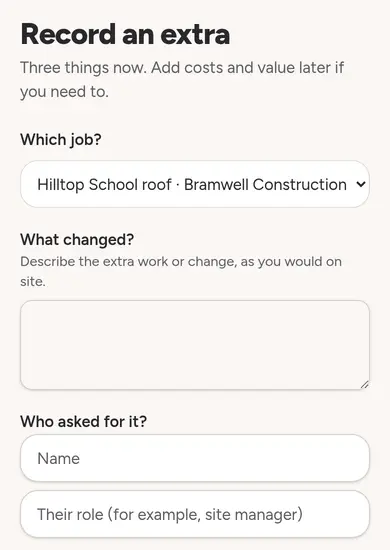
Record the extra
Log a variation on site in three answers: which job, what changed, who asked for it. Add value and photos later.
Three questions on site. Add costs and evidence later, with a prompt for anything still missing.
Step 2
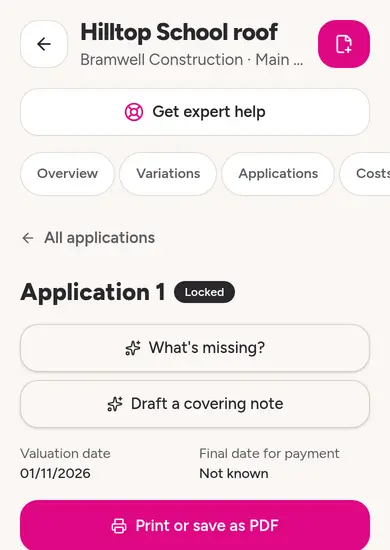
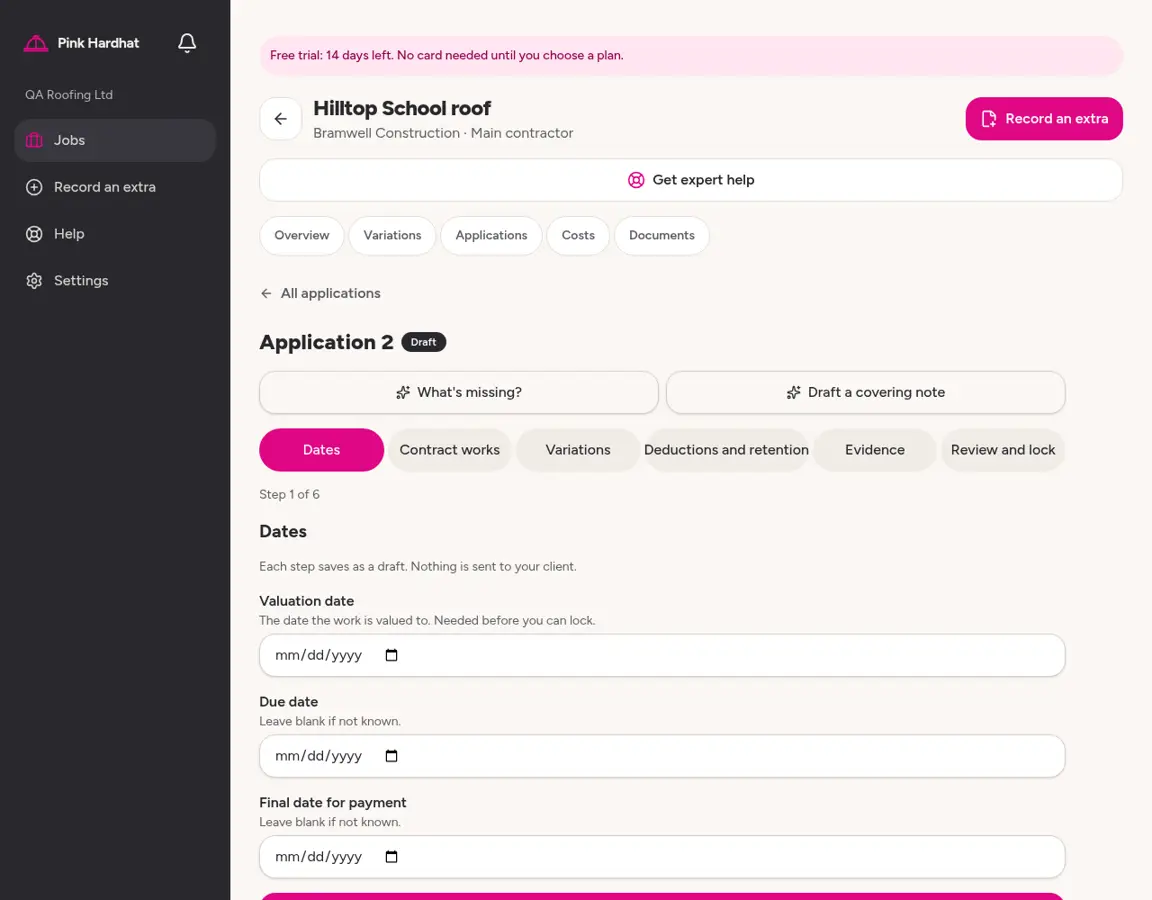
Send the application
Build your payment application from the job's agreed terms and approved extras, lock it, and print or save it as a PDF to send yourself.
Six short steps. Review the figures and how they were worked out before you lock it.
Step 3
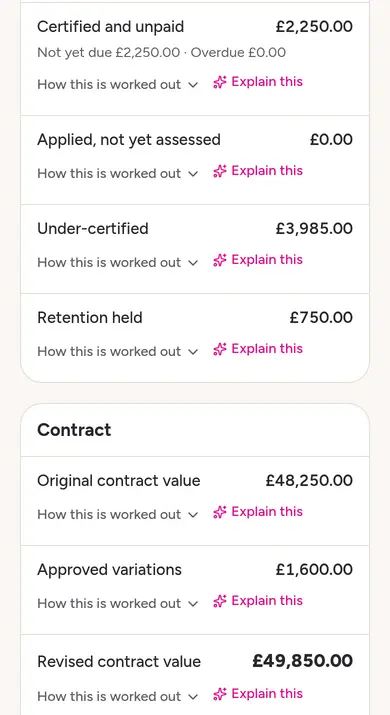
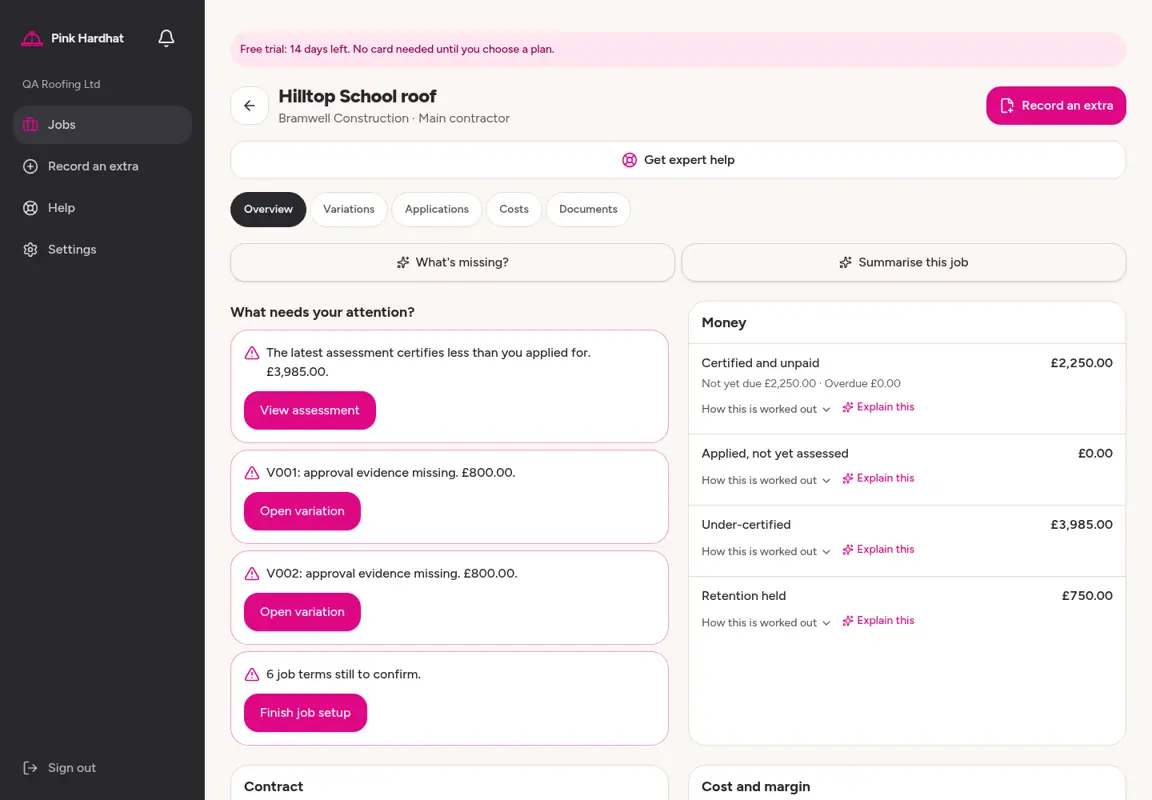
See what you're owed
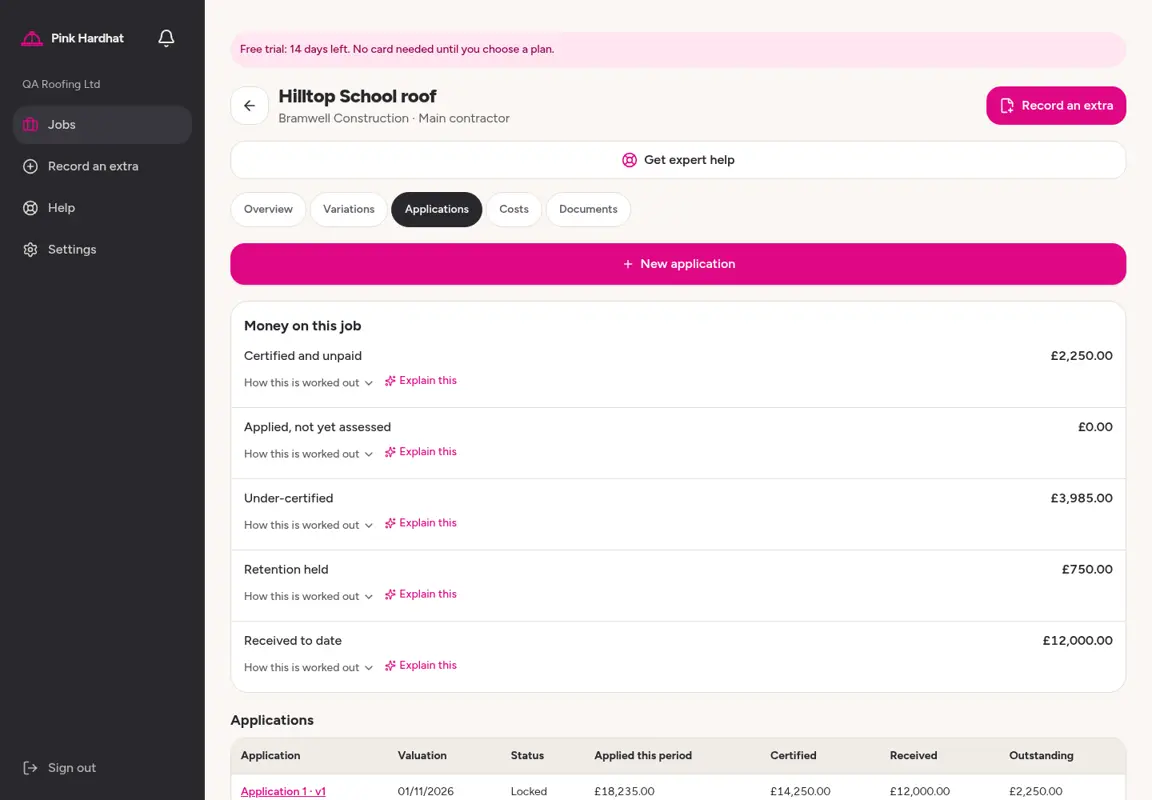
Applied for, certified, invoiced and received are kept apart, so you can see what is outstanding and what is overdue.
Job dashboard figures have 'Explain this', so you know what they mean and where they came from.
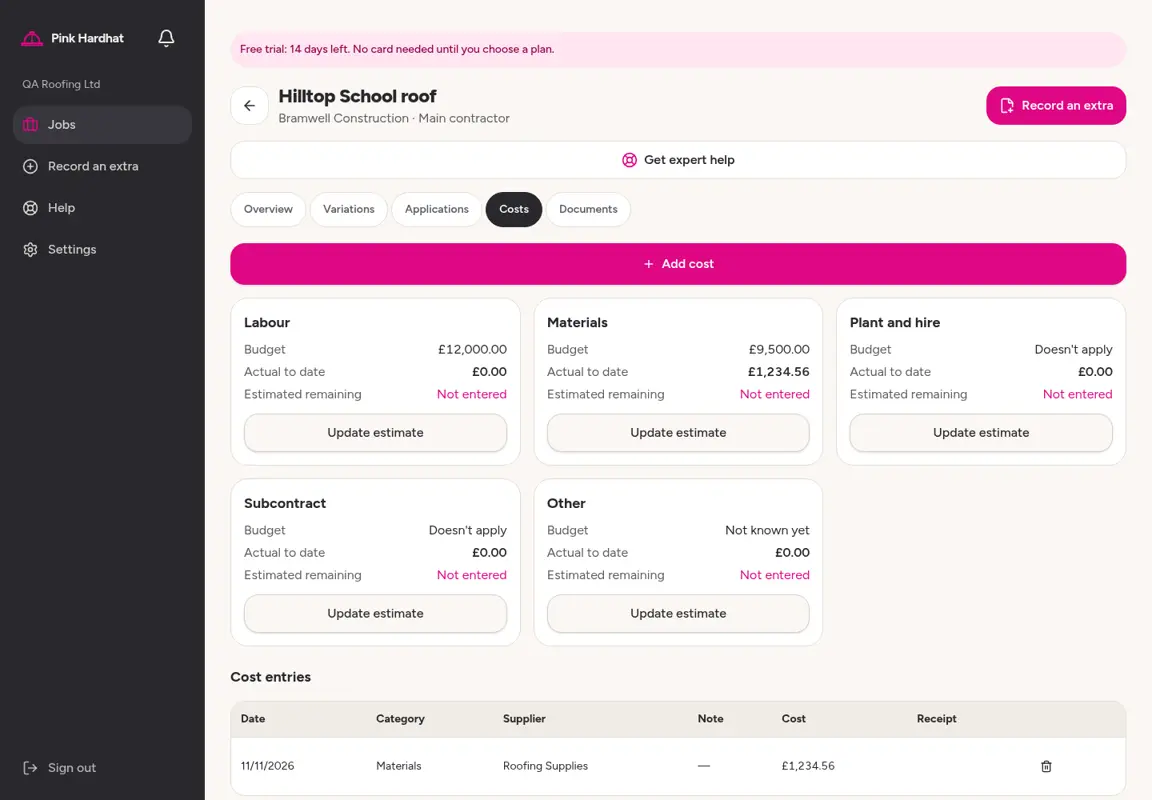
Costs at the desk
Applications together
Set up the job
Record what was agreed: contract value, retention, VAT treatment, payment terms. Anything you don't know yet is marked as not known, never filled in as zero.
Help beside the job terms, and 'I don't know' for terms you haven't confirmed.
Keep the evidence together
Photos, instructions and documents sit with the job and each extra.
Record what comes back
Enter the client's assessment, your invoice and payments received, including CIS deducted.
Get reminders
A morning email when an application date is close, a payment date has passed or a variation needs following up.